Work & business
Write invoices with PDF and e-mail, quotes, payment reminders, cash-basis accounting (EÜR), mileage log, time tracking, employees and subcontractors.
Free trial · Windows and Android · iPhone in preparation
See at a glance what your side business really leaves you with next to your job.
Write invoices, cash-basis accounting (EÜR), tax planning, utility costs and contracts – software for employees with a side business and for small businesses in Germany. Your data stays encrypted with you.
No sale, no subscription, no payment details · no cloud required
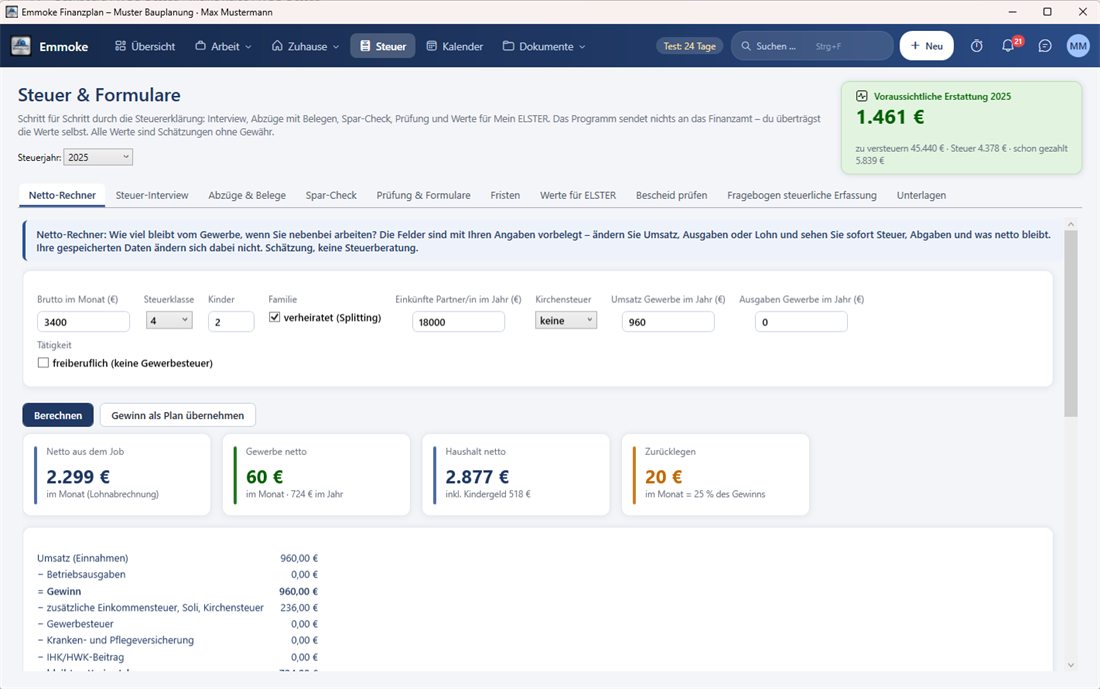
Just try it: tap or type a turnover, adjust costs and salary – the result changes immediately. The calculation uses the same logic as the net calculator in the program.
Example calculation – not tax advice. German tax year 2026, no children, church tax optional 9 %, side business next to employment (statutory health insurance via the job), values between steps interpolated. The program calculates your exact case with your own data. Your input stays in your browser.
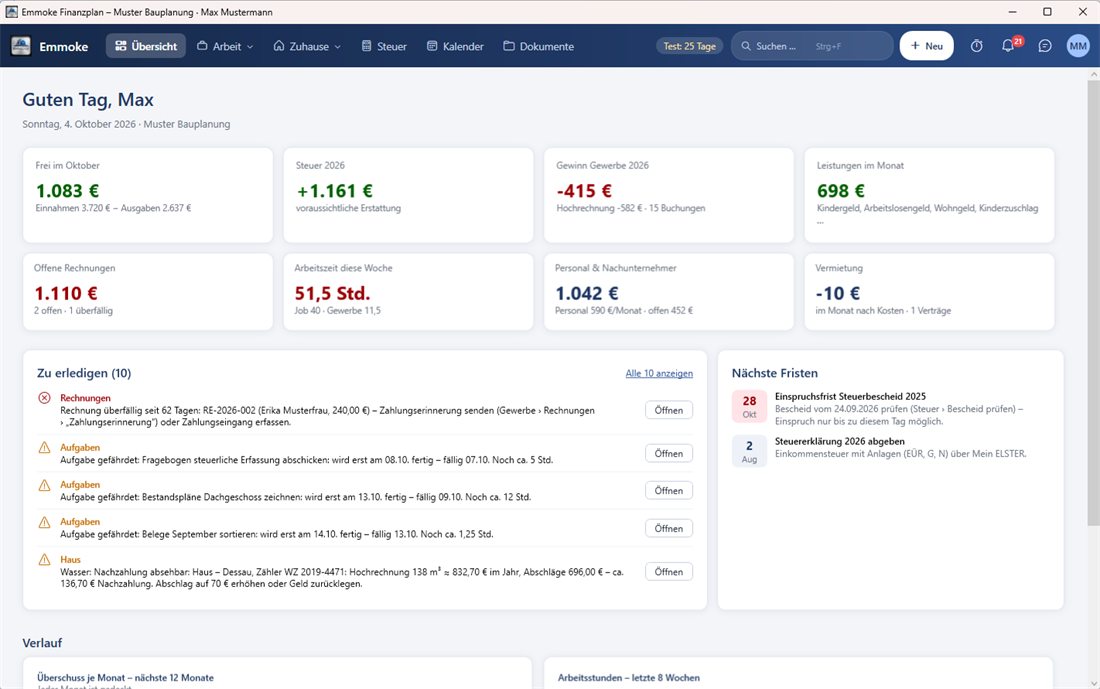
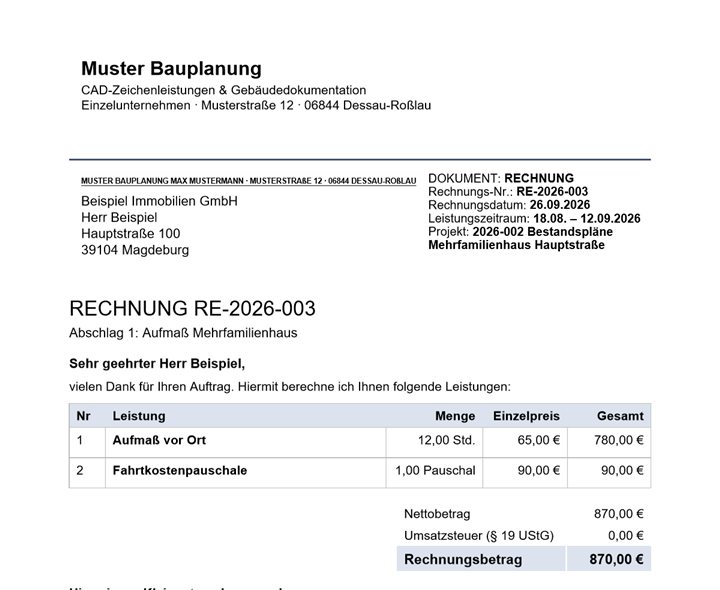
Real views from the program – with the sample data “Max Mustermann”. The program interface is in German.
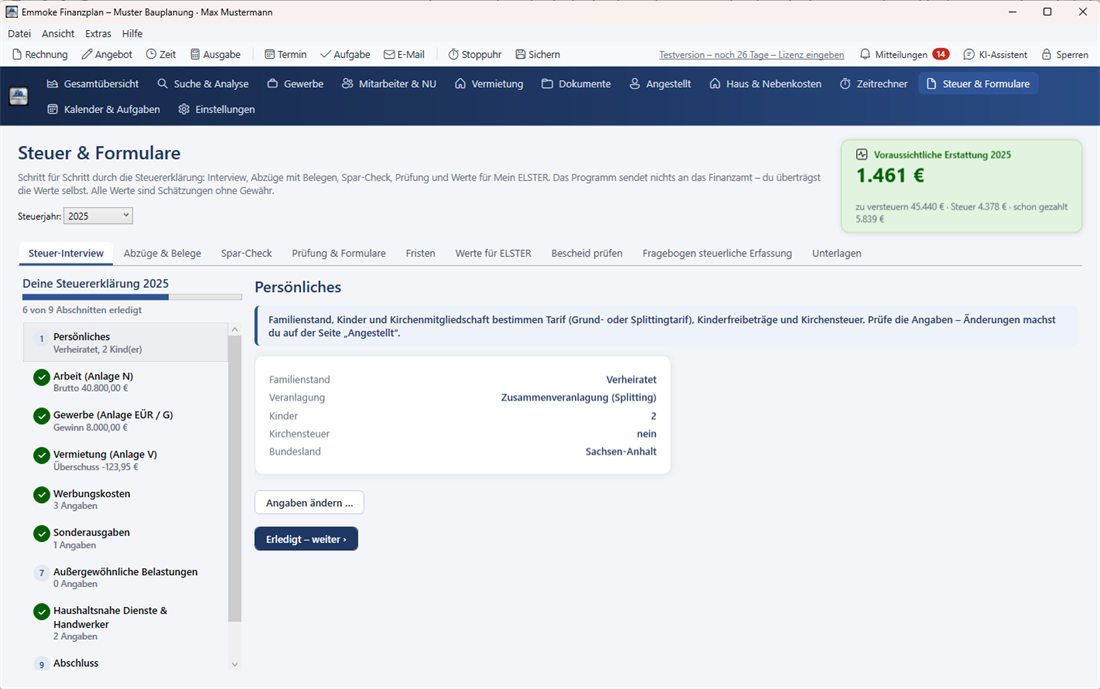
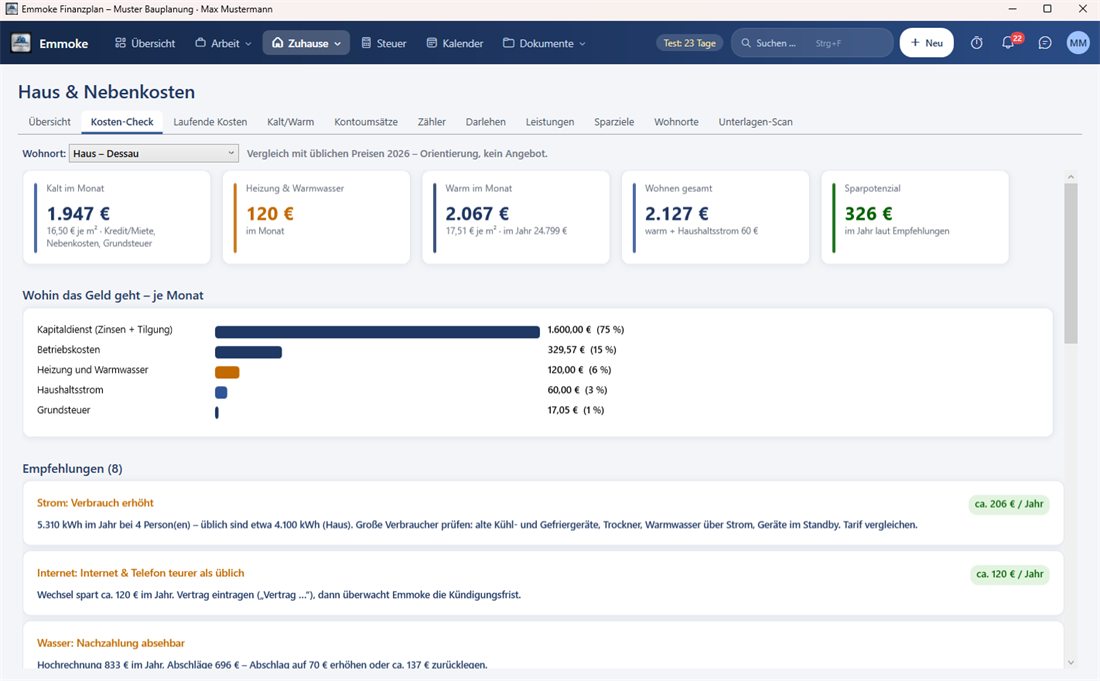
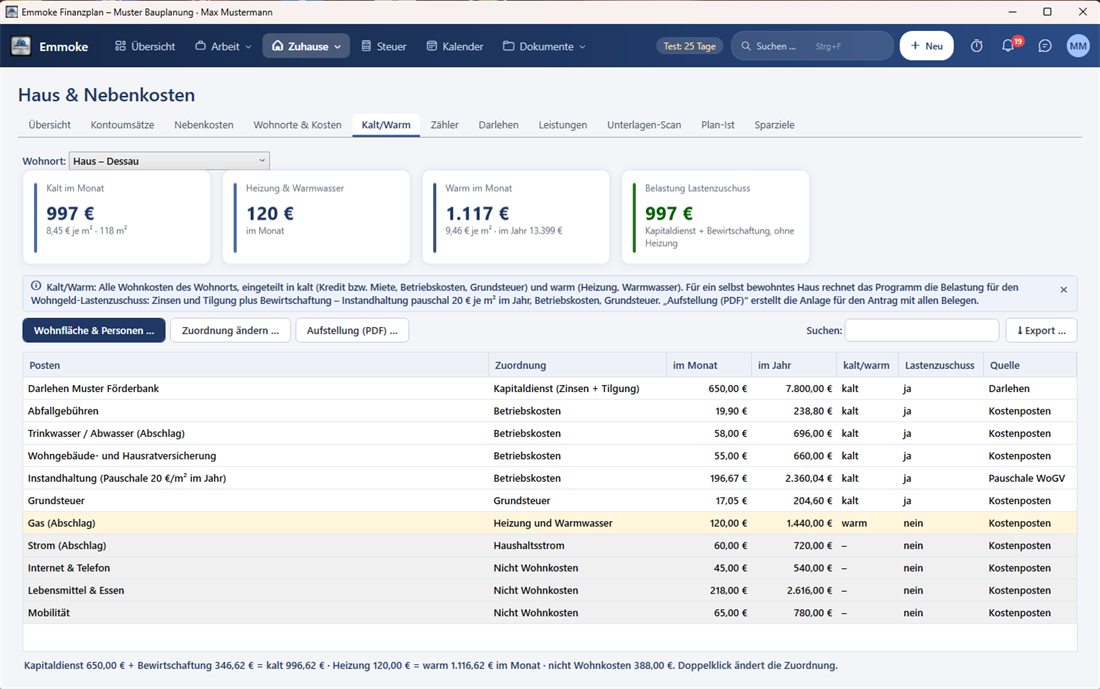
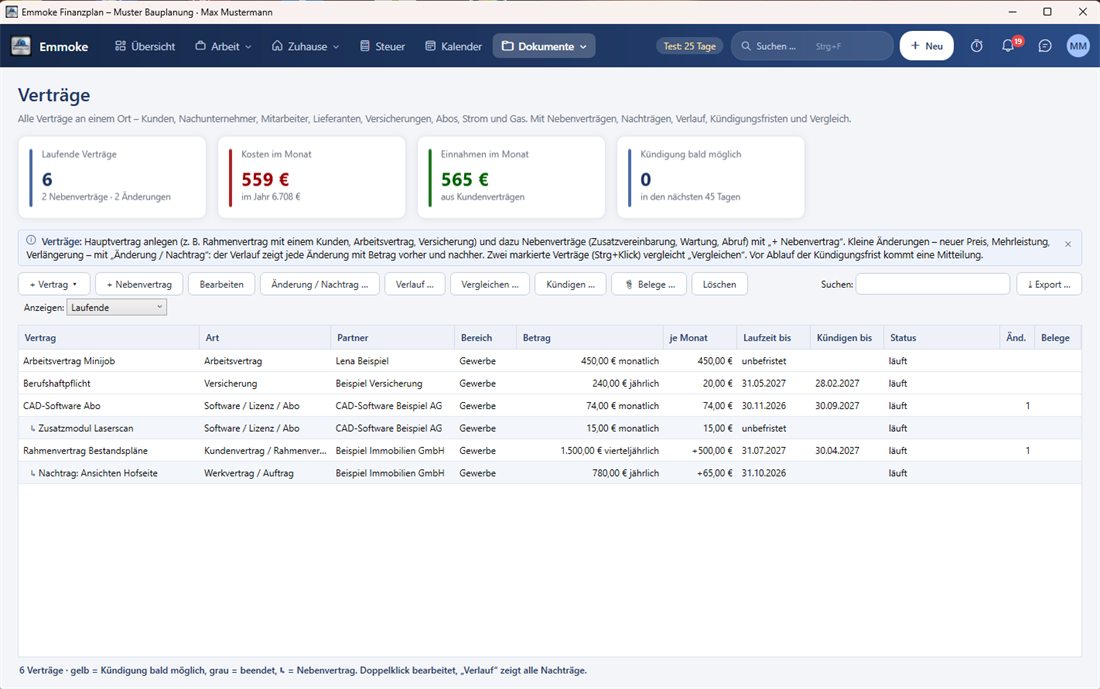
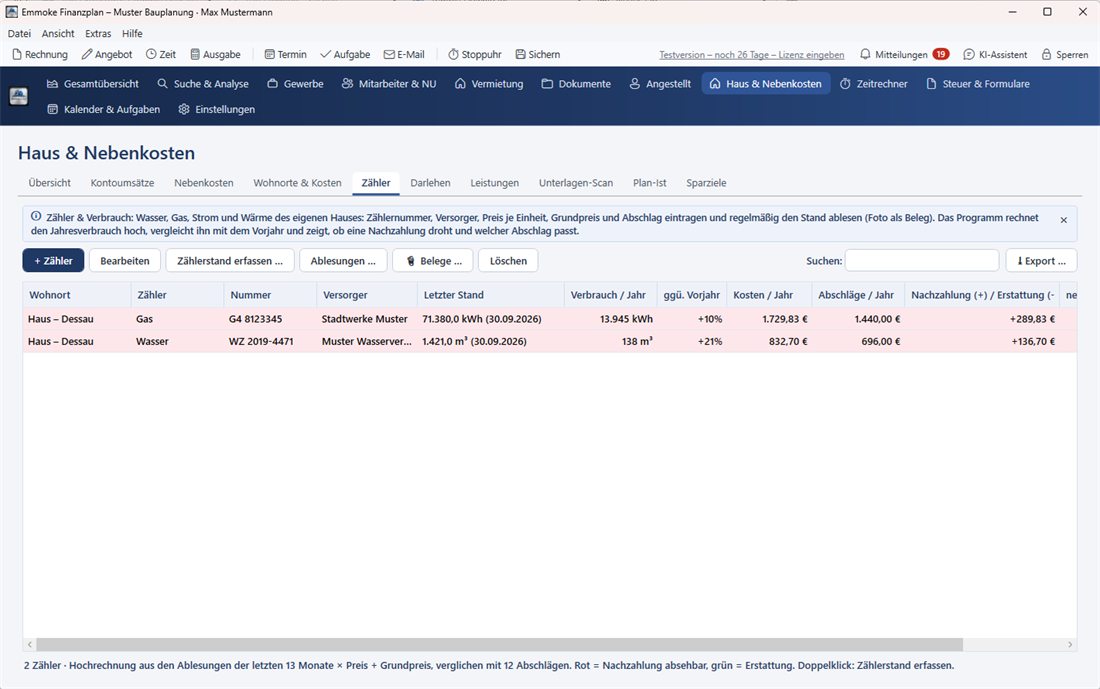
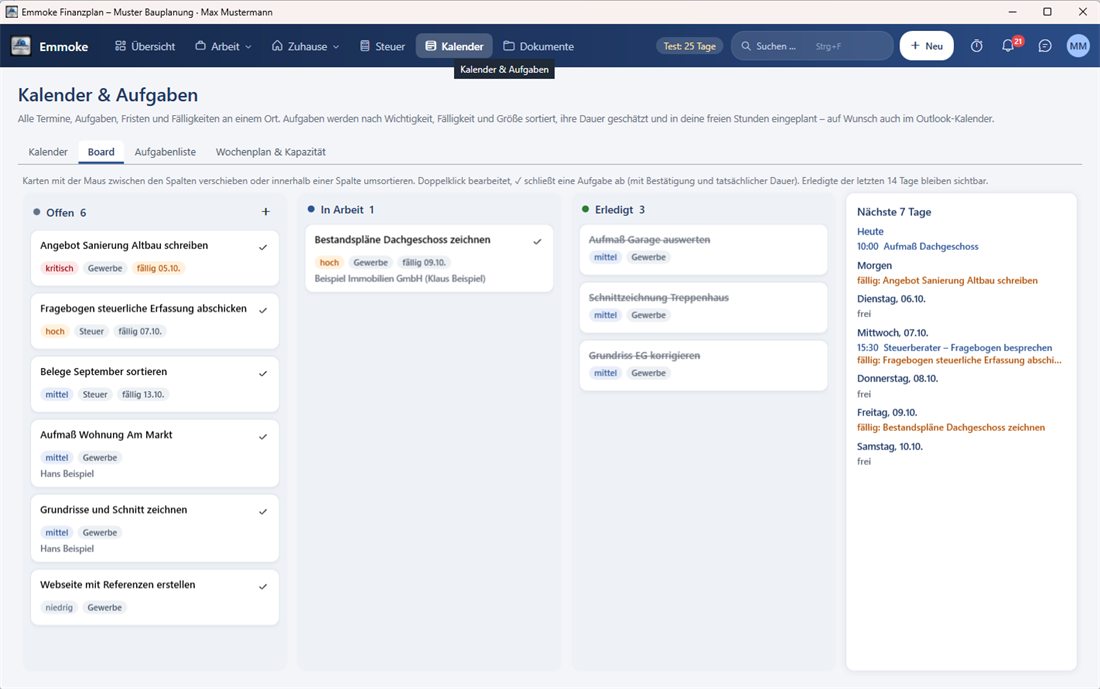
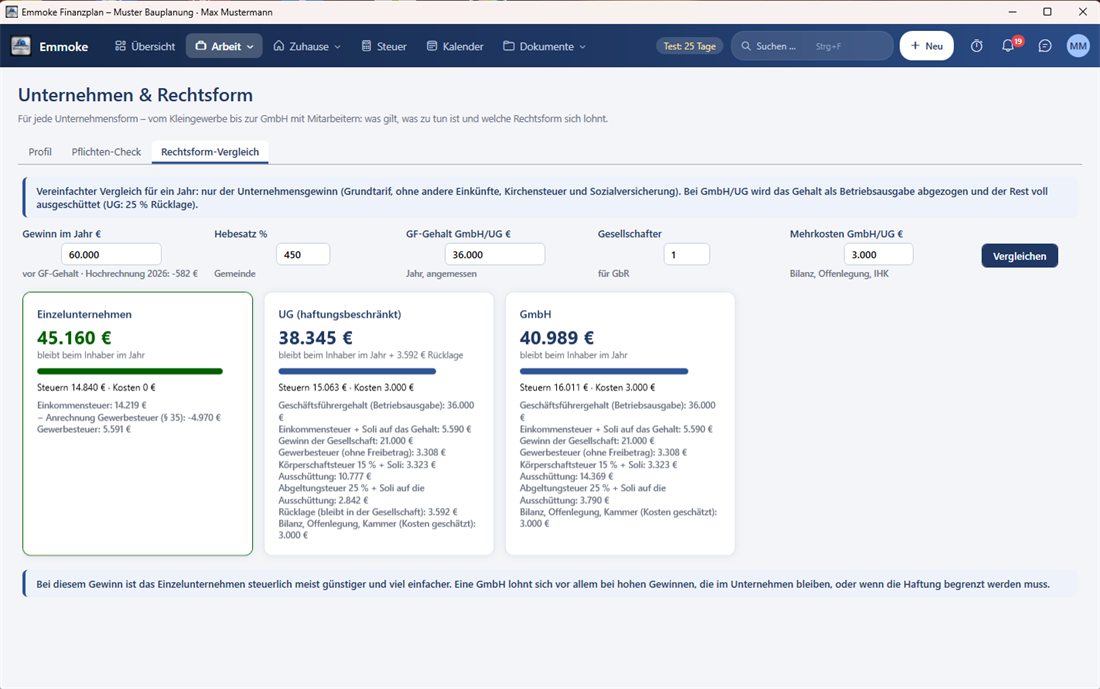
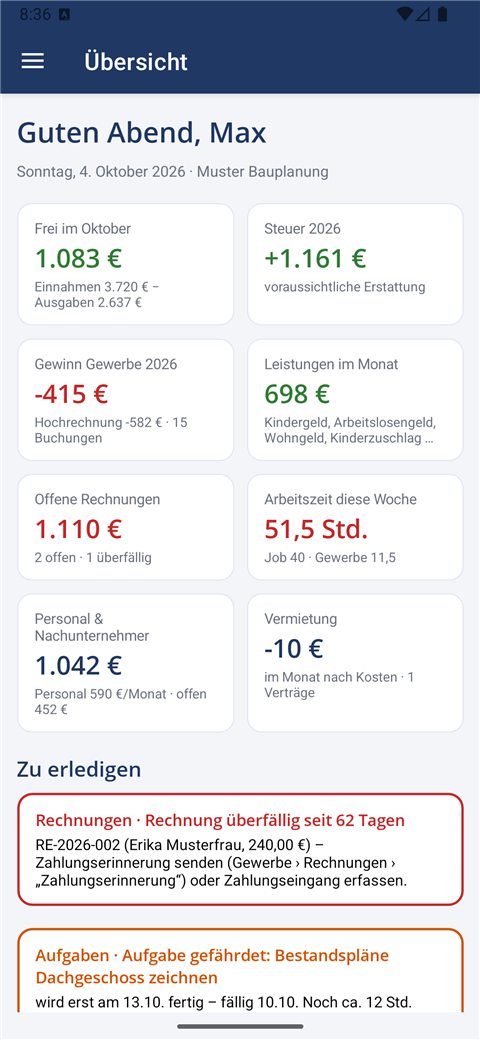
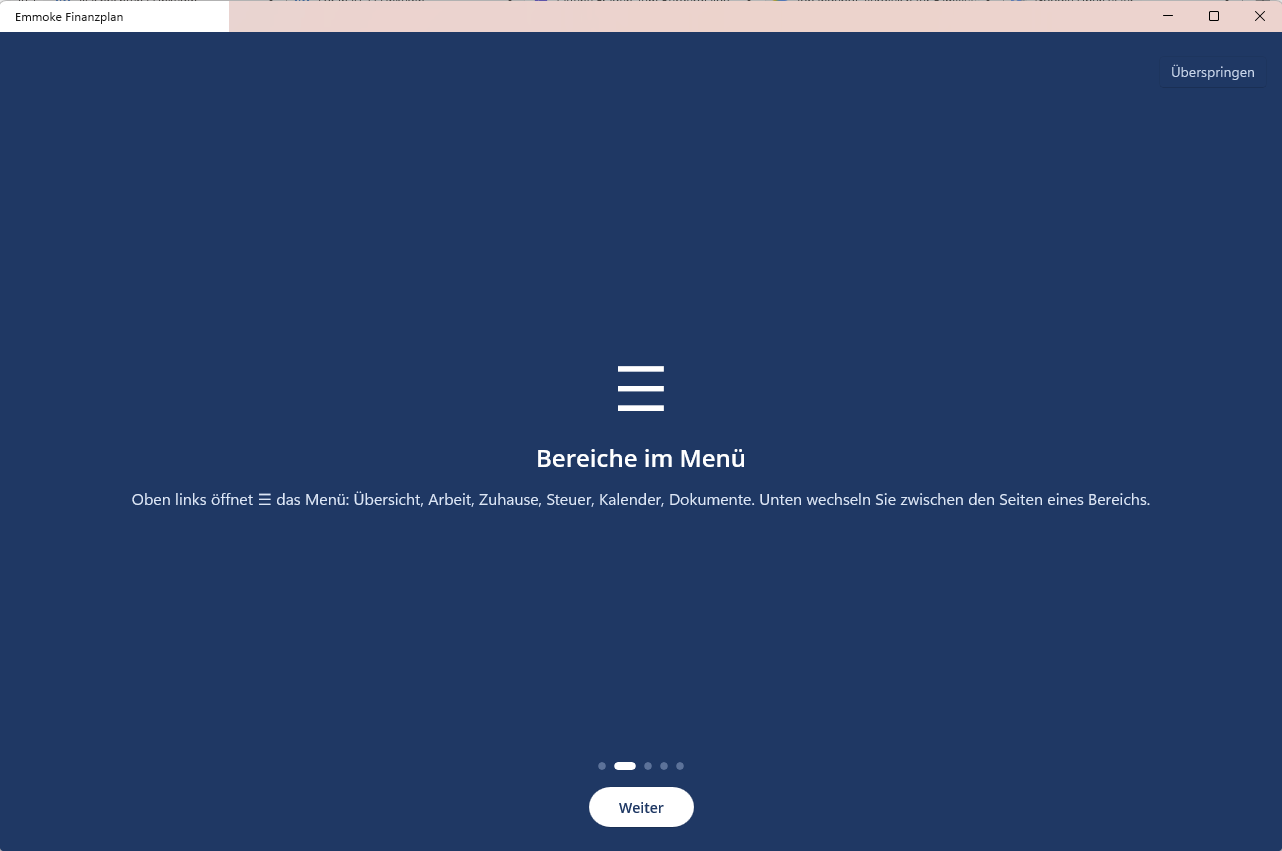
Six areas – in one bar at the top, no searching. Every page explains itself and shows what to do next.
Write invoices with PDF and e-mail, quotes, payment reminders, cash-basis accounting (EÜR), mileage log, time tracking, employees and subcontractors.
Tax planning for job and business, tax interview, savings check, values for ELSTER, deadlines and checking the tax assessment with objection deadline.
Housing costs with and without heating, cost check with tariff rating, meters with projection, mortgage, benefits such as child benefit or housing benefit.
From small trade to GmbH: obligations per legal form, legal form comparison, small business threshold with traffic light.
Appointments with reminders, task board, weekly plan based on your free time, sync with Outlook.
Contracts with notice periods and cancellation letters, receipts on every entry, archive by year and type.
🔒 Your data is stored encrypted. Your financial data is protected with modern AES-256-GCM encryption. The password is not stored. Backups and cloud sync also only use the encrypted file.
Emmoke Finanzplan is under development and is currently not for sale. You can try the program for free:
Pre-release version: features may change or contain errors. Please back up your data regularly.
Go to downloadVersion · Free trial. The program and the manual are in German.
Please confirm first – then the download buttons are unlocked.
Setup for the PC (64-bit). Requires .NET 10 – the setup offers it if needed.
Download for WindowsApp file (APK). Open it on your phone and allow “install from this source”. Google Play in preparation.
Download for AndroidView user manual (PDF, German) · Step-by-step guide
Provider: Emmoke – Sewar Khalil, sole proprietorship in Dessau-Roßlau (Germany) · Legal notice · Third-party licenses
Official downloads are only available via this site emmoke.github.io – the files are hosted on GitHub in the account “Emmoke”. After downloading, check the SHA-256 checksum (Windows: Get-FileHash file in PowerShell). The Android app is signed with the certificate shown above; Android only installs updates signed with the same certificate. The Windows setup is not yet signed with a purchased code-signing certificate – Windows SmartScreen may therefore show a warning. Changelog and all versions.

Emmoke is a small sole proprietorship from Dessau-Roßlau, Germany, owner Sewar Khalil. The program grew out of a personal Excel plan for job, business and household and is being developed step by step. Feedback and wishes are welcome: emmoke@outlook.de.
Provider information: Legal notice
Emmoke is currently free. If you like the program and would like to voluntarily support its further development, you can support Emmoke here.
Support is voluntary and not a condition for use. You receive nothing in return – no trial extension and no additional features. Emmoke is not a charity, so no donation receipt can be issued. The payment is handled by the payment service the button opens.
How do you like Emmoke? Your opinion helps to improve the program.
How we check reviews: We only publish reviews that reach us by e-mail from testers who agreed to publication. We read every review before publishing, publish positive and negative ones alike and only remove insulting or unlawful content. Nothing is paid or offered for reviews.
Encrypted on your PC. If you use PC and phone, you choose your own cloud folder (OneDrive, iCloud Drive, Google Drive). The vendor has no access.
No, not at the moment. Emmoke is only available as a free trial. There are no costs and no subscription.
That has not been decided yet. If there is a paid version later, it will be clearly announced in advance – nobody will be charged automatically, and your data from the trial is kept.
From 5 days before the end you can extend the trial in the program twice for free by 30 days each – up to 90 days in total. After that, a further extension is free by e-mail. Your data is always kept.
No. Emmoke estimates taxes, prepares values for ELSTER and reminds you of deadlines. This is not tax or legal advice; binding are the tax office, tax advisors and lawyers. Price ratings in the cost check are guide values, not offers.
The program, the app and the manual are in German, because they follow German tax and business rules. This website is available in German, English and Arabic.
For employees with a side business, small businesses (Kleinunternehmer), self-employed people up to a small GmbH in Germany – and for everyone who wants to keep track of household, utility costs and contracts.